AI apps for Shopify stores

Ask for it. Watch your store change.

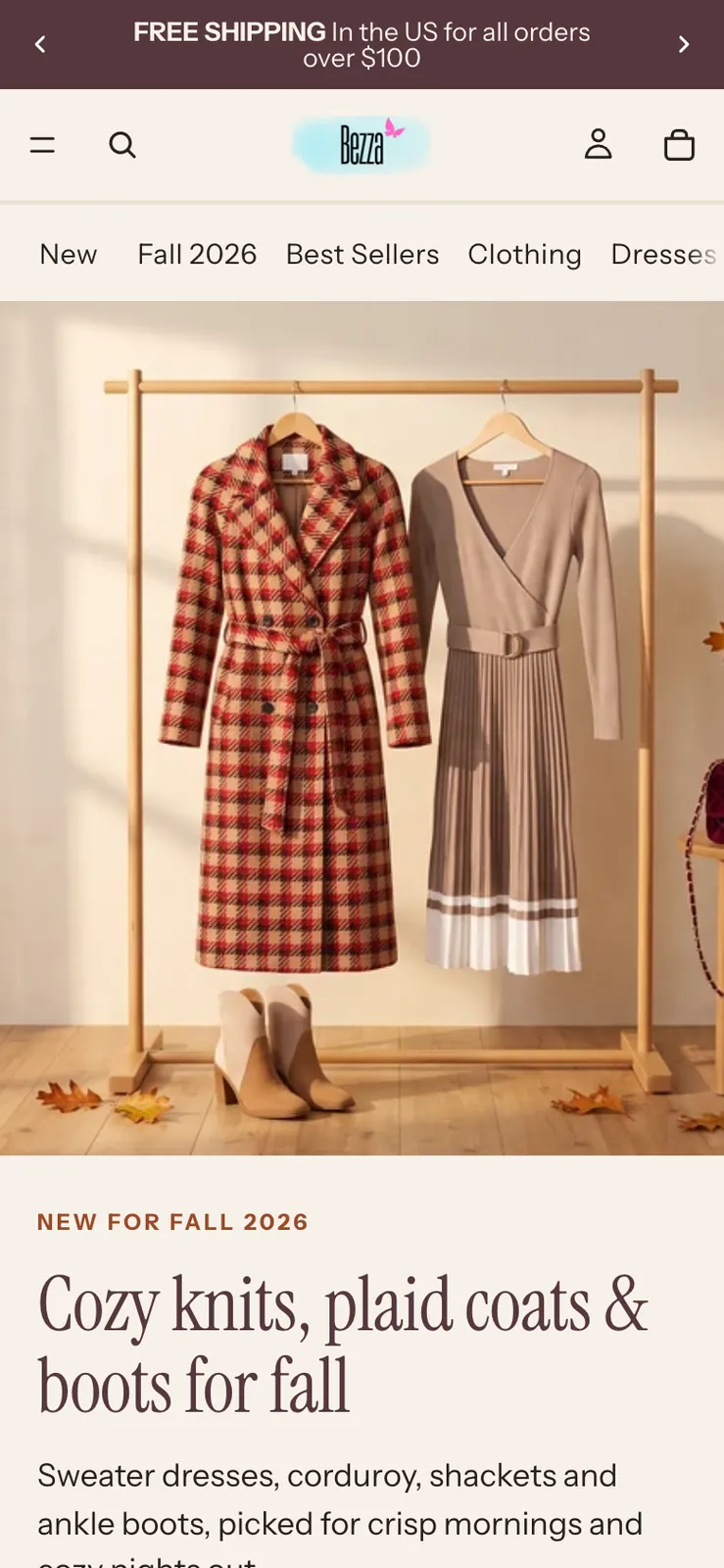
Make the homepage feel like fall

  1. Read the theme, products and photos
  2. Drew three directions; you picked A
  3. Built it on a copy, waiting for your OK
Store Designer · shopbezza.com
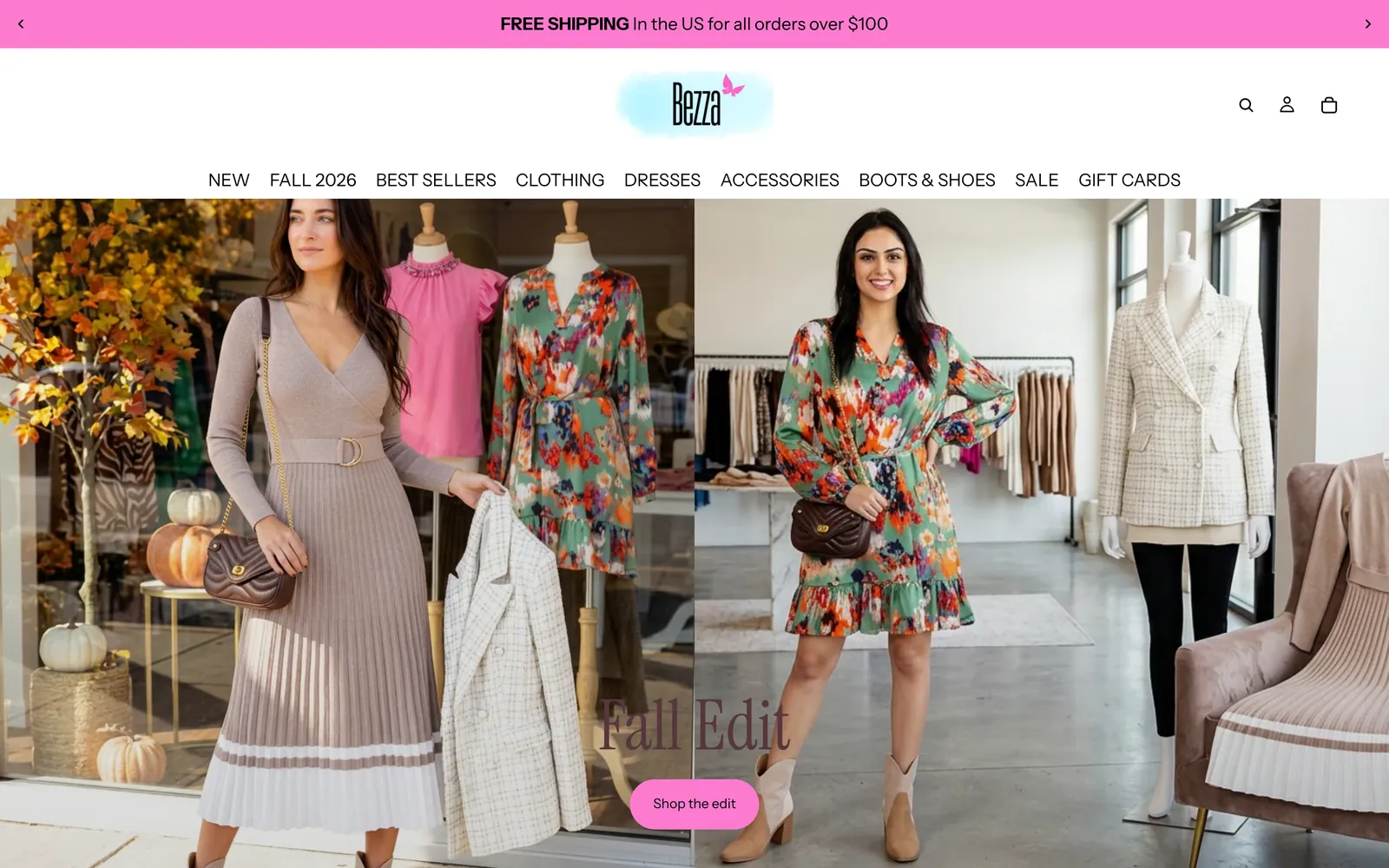
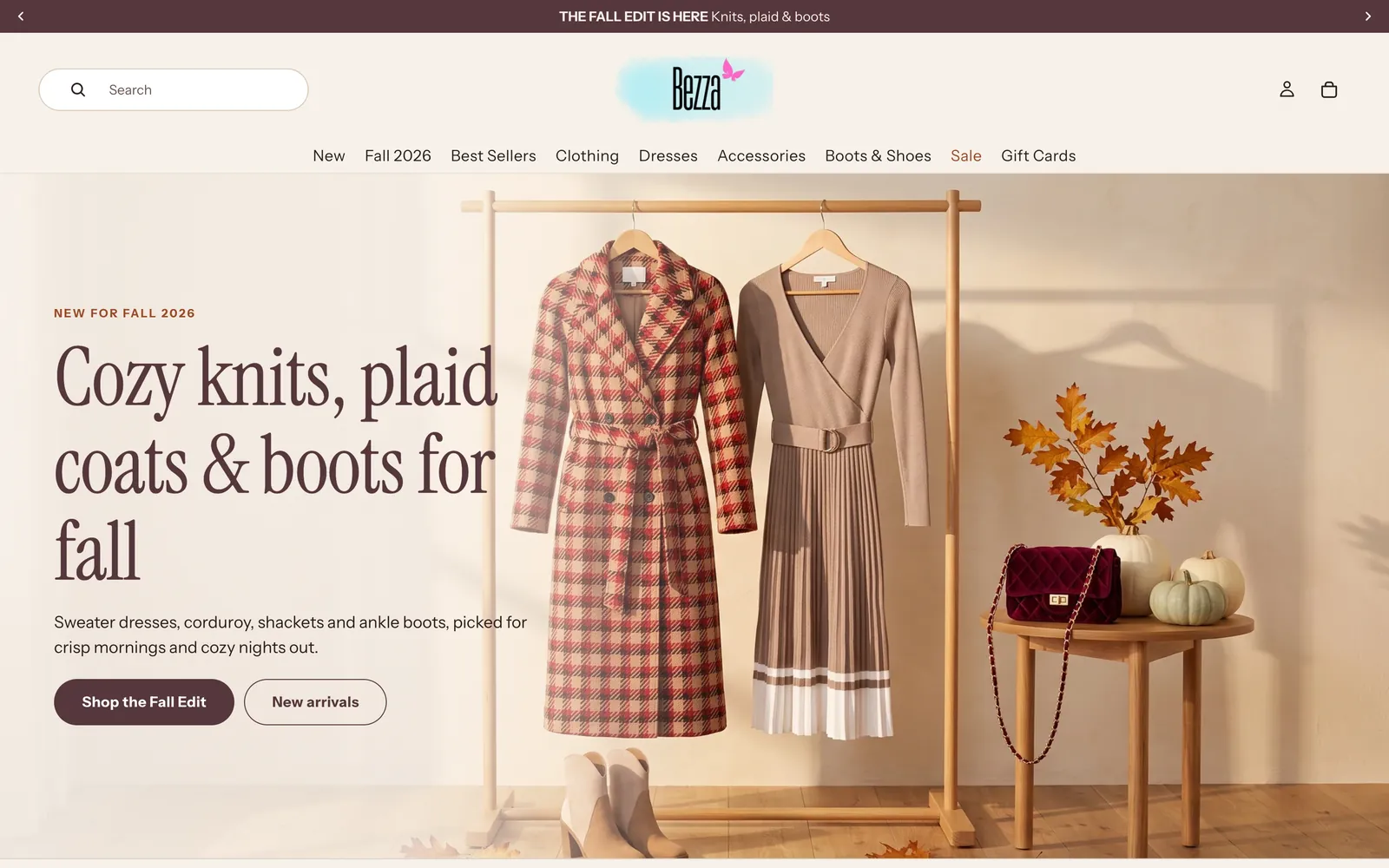
The Bezza home page before Store DesignerThe Bezza home page after Store Designer redesigned it for fall
The new Bezza home page on a phone
The Bezza home page on a phone, beforeThe Bezza home page on a phone after Store Designer redesigned it for fall
Live onBezzaCurioBarista och Espressoand more Shopify stores
Store Designer · a real product page

Same dress. A page that sells it.

Your product pages show shoppers what they check before they buy: real photos, sizes, stock and a fast checkout.

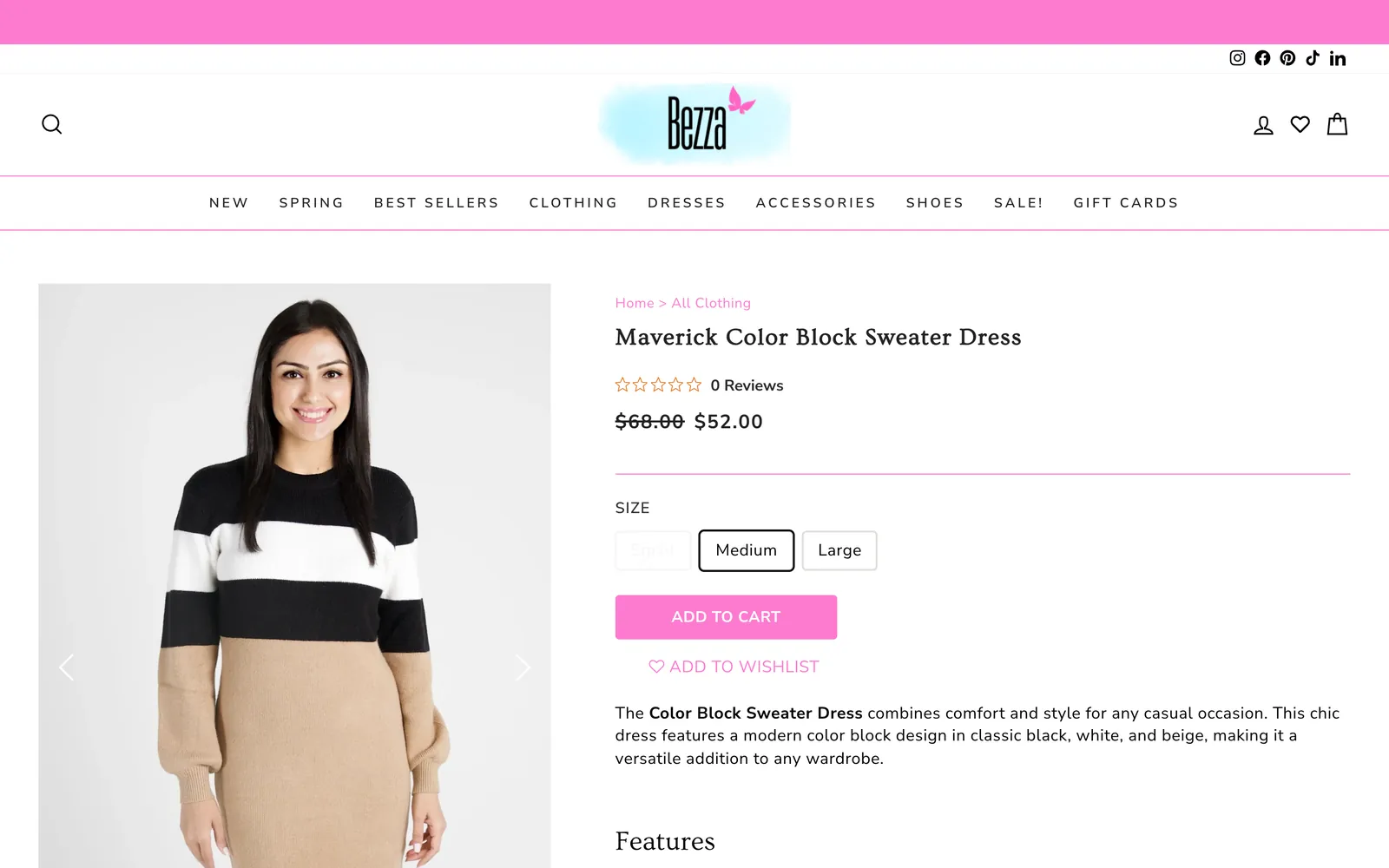
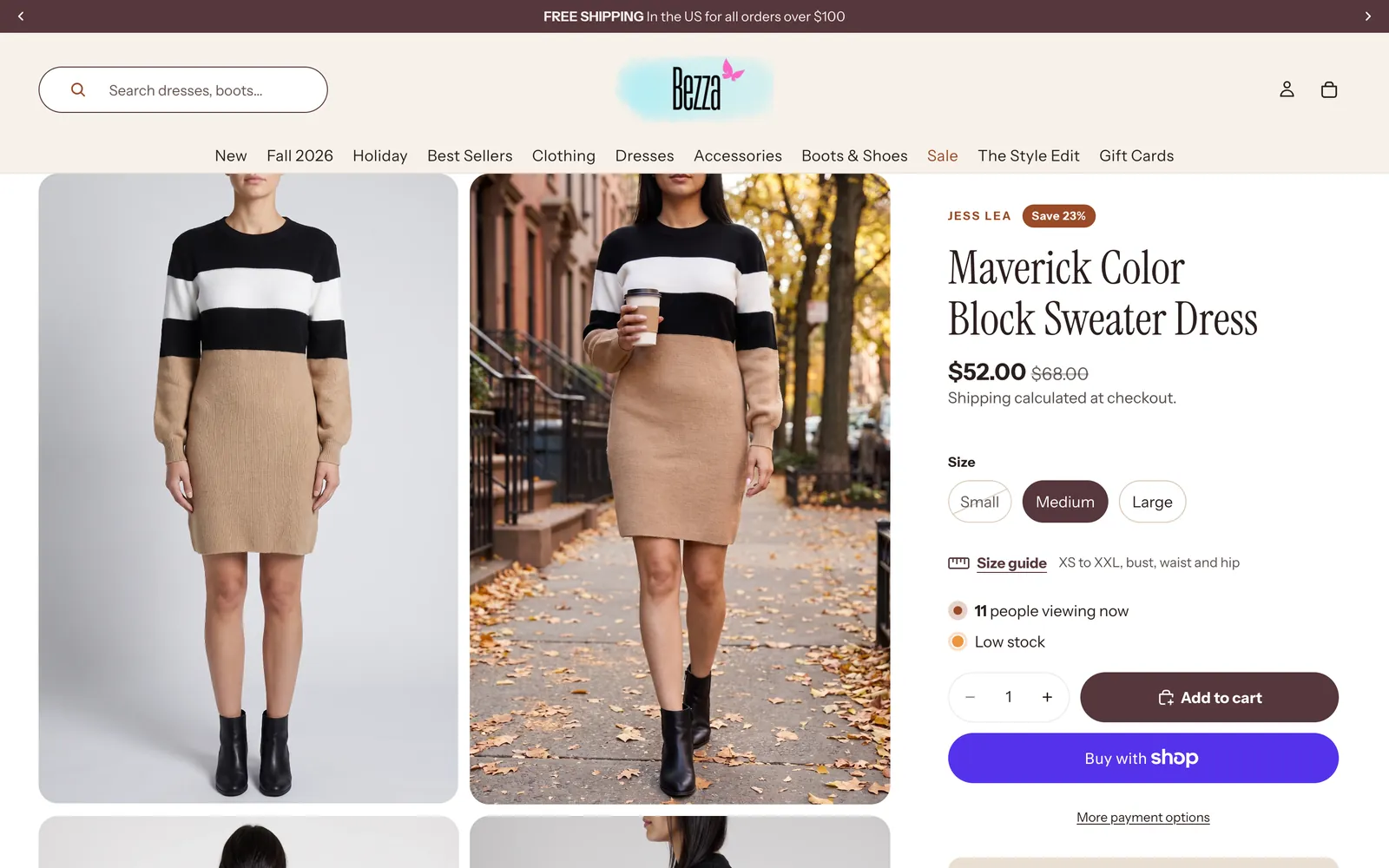
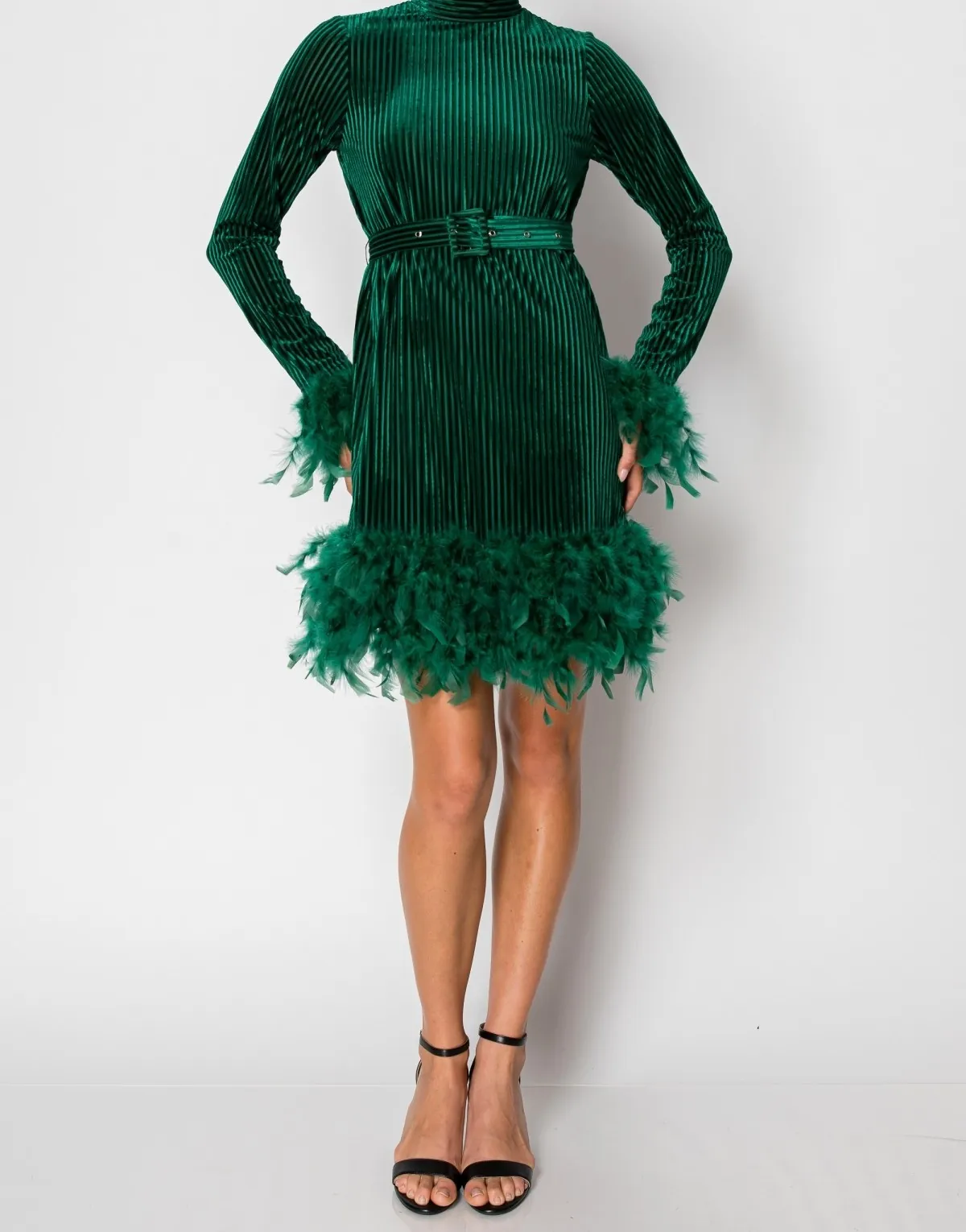
The Bezza product page for the Maverick Color Block Sweater Dress in March 2025: one carousel photo and a plain add-to-cart buttonThe same product page today: studio and street photos side by side, sizes, a size guide, stock and Shop Pay
  1. Two-up studio and street photos
  2. Sizes, size guide, stock, Shop Pay
  3. Complete the look below
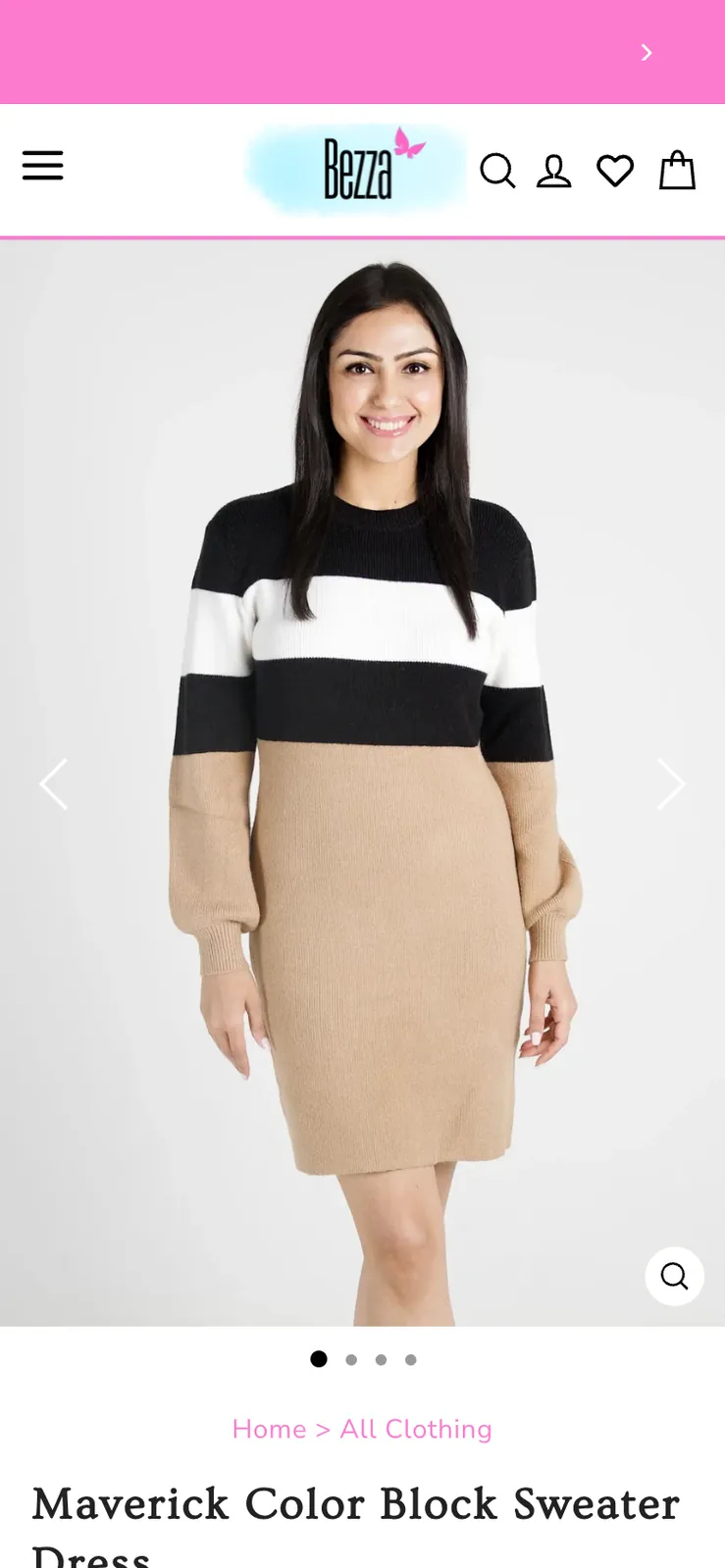
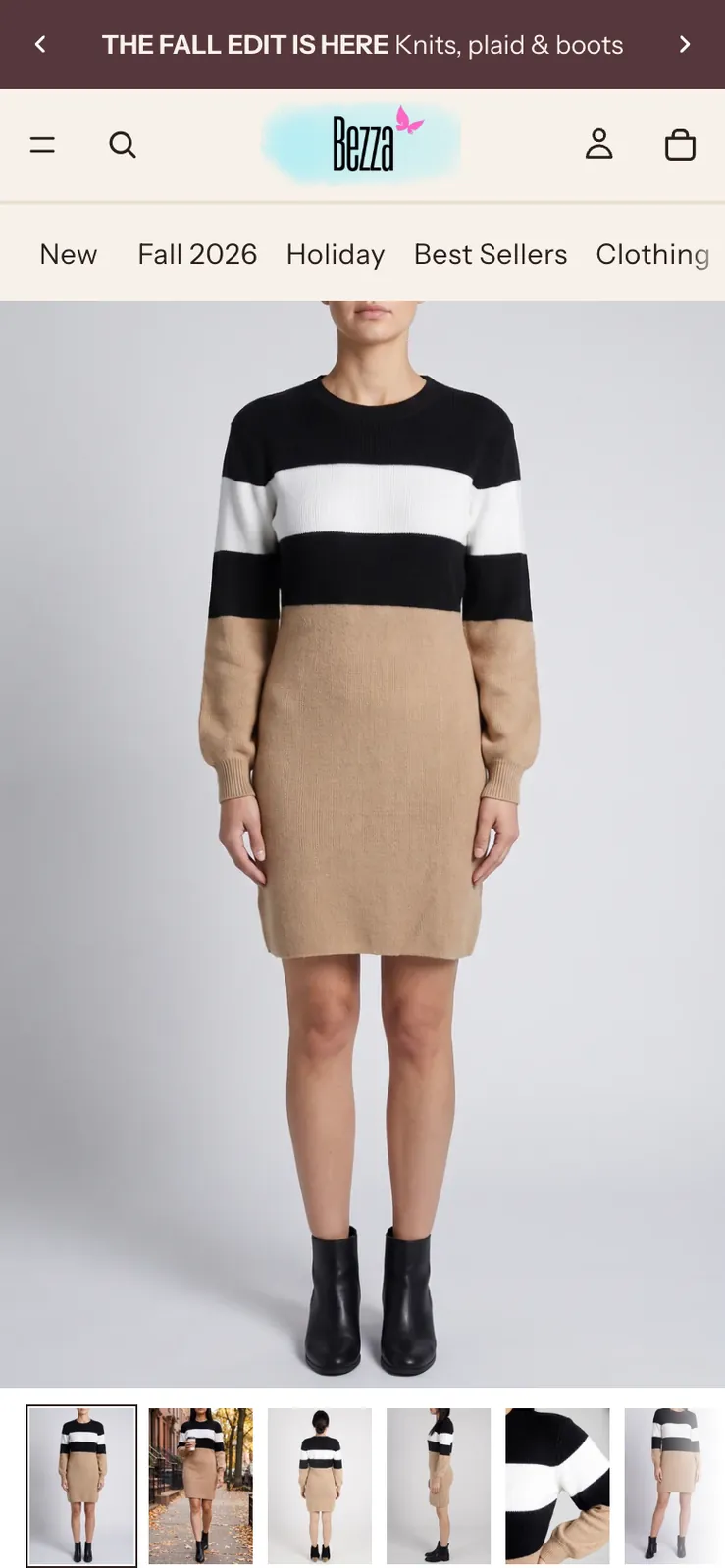
The Bezza product page on a phone in March 2025The same product page on a phone today
  1. Two-up studio and street photos
  2. Sizes, size guide, stock, Shop Pay
  3. Complete the look below
Bezza's Maverick Color Block Sweater Dress page in March 2025 and today, after Store Designer · shopbezza.com
SEO & Content · product studio

Your product photos in. Everything you need to sell it out.

Send your product photos. Get scenes and video your customers stop scrolling for.

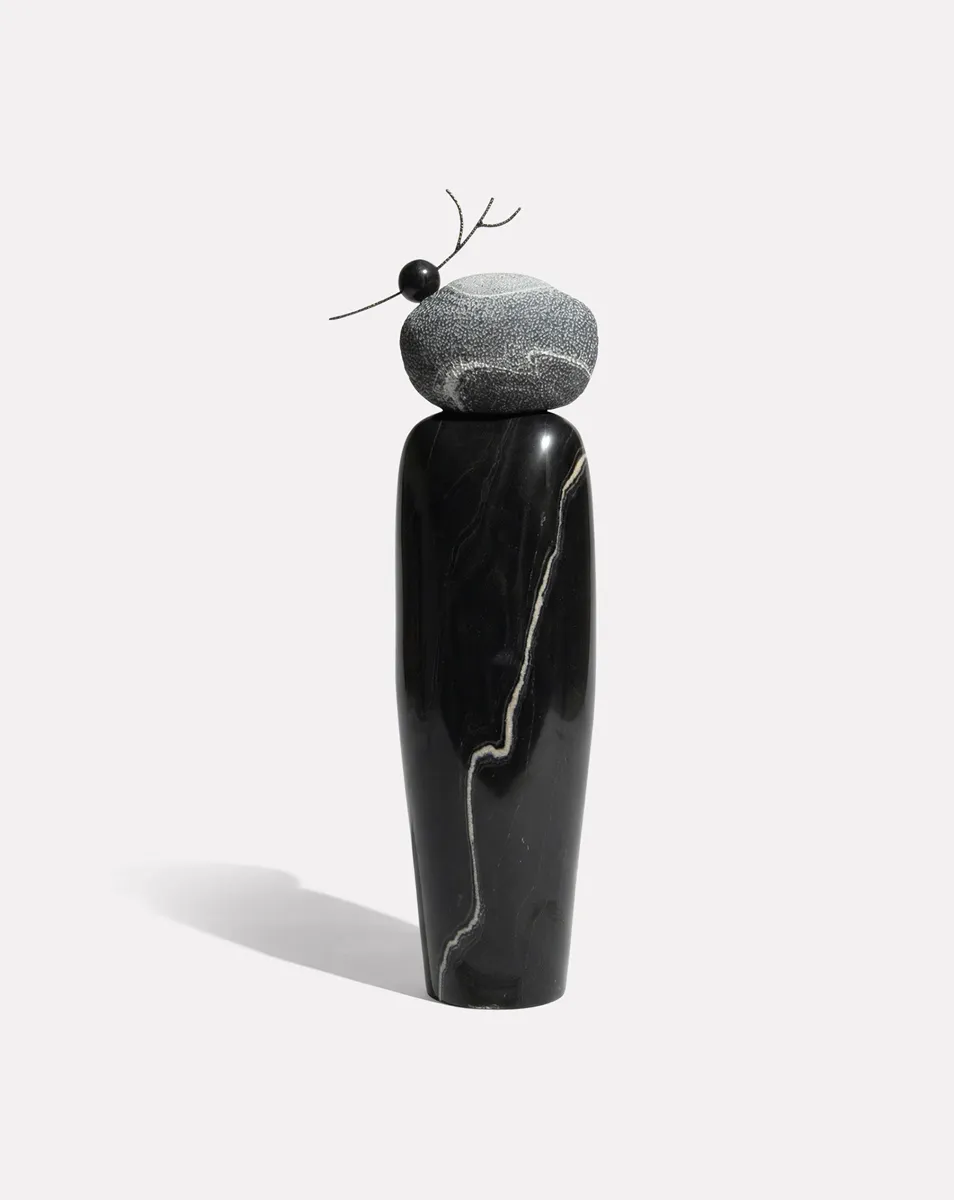
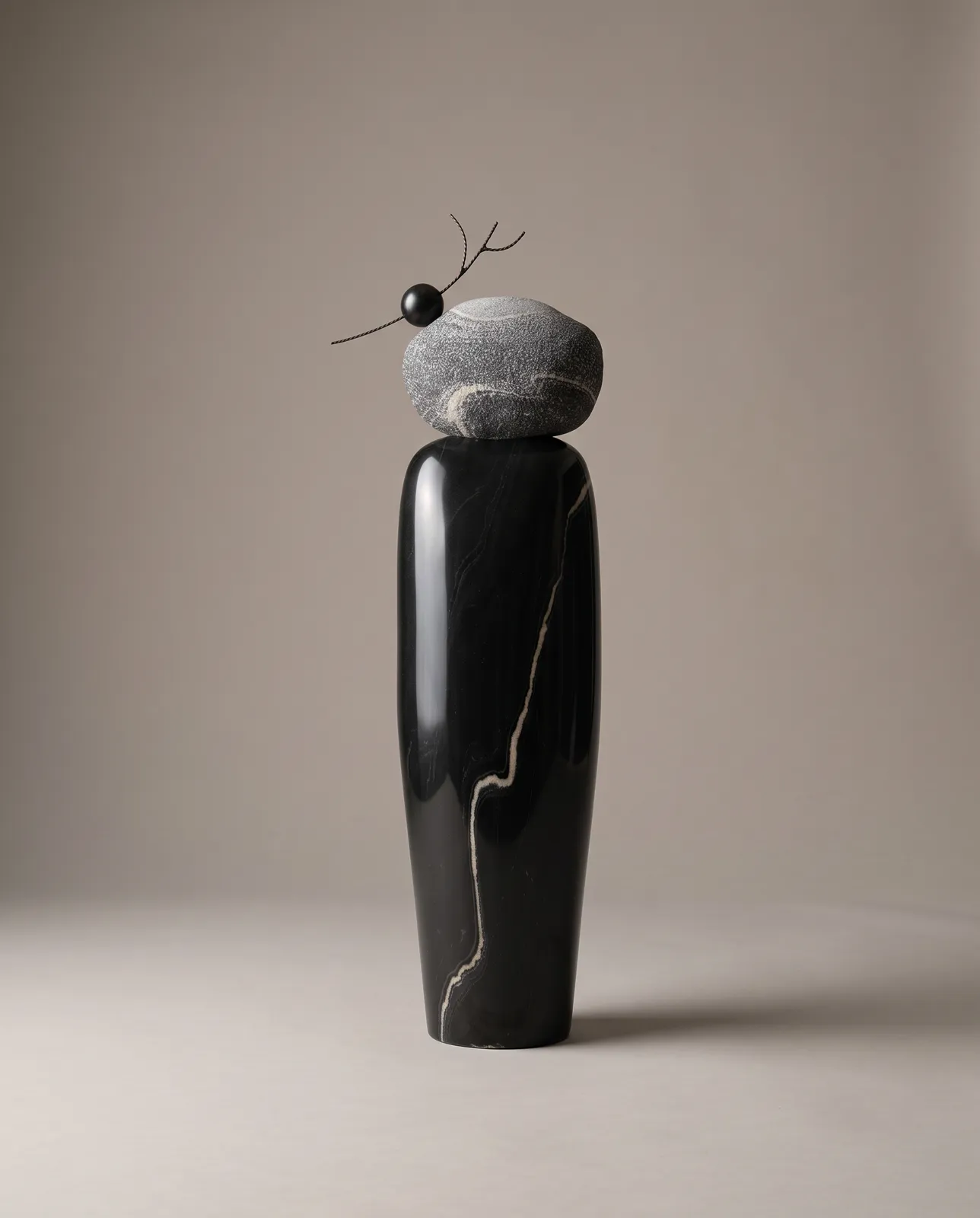
  1. Curio's own product photo of the TARU sculpture: black marble topped with a stone, on whiteThe photo they had
    Product photoWhat the store had
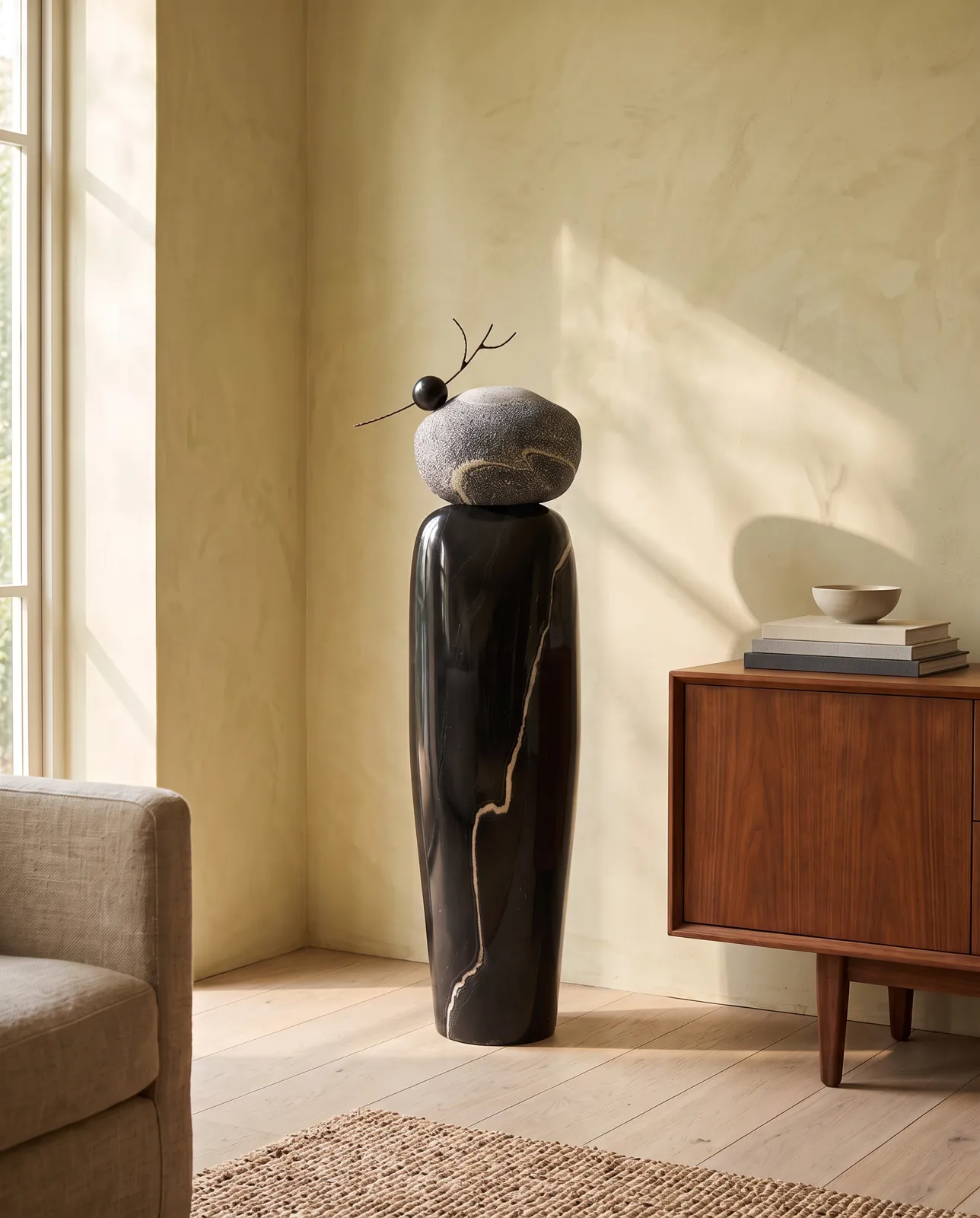
  2. The sculpture in a sunlit living room beside a walnut sideboardScene
    In its placeWhere a buyer pictures it
  3. Video
    And it movesFor the page and Reels

Curio · TARU marble sculpture. Scene and video made by SEO & Content from the store's own product photos.

Plus the product copy, collection pages and articles that get it found.

Store Designer · shop the look

Every product, a whole outfit.

Every product gets a styled look, so shoppers buy the outfit, not one piece.

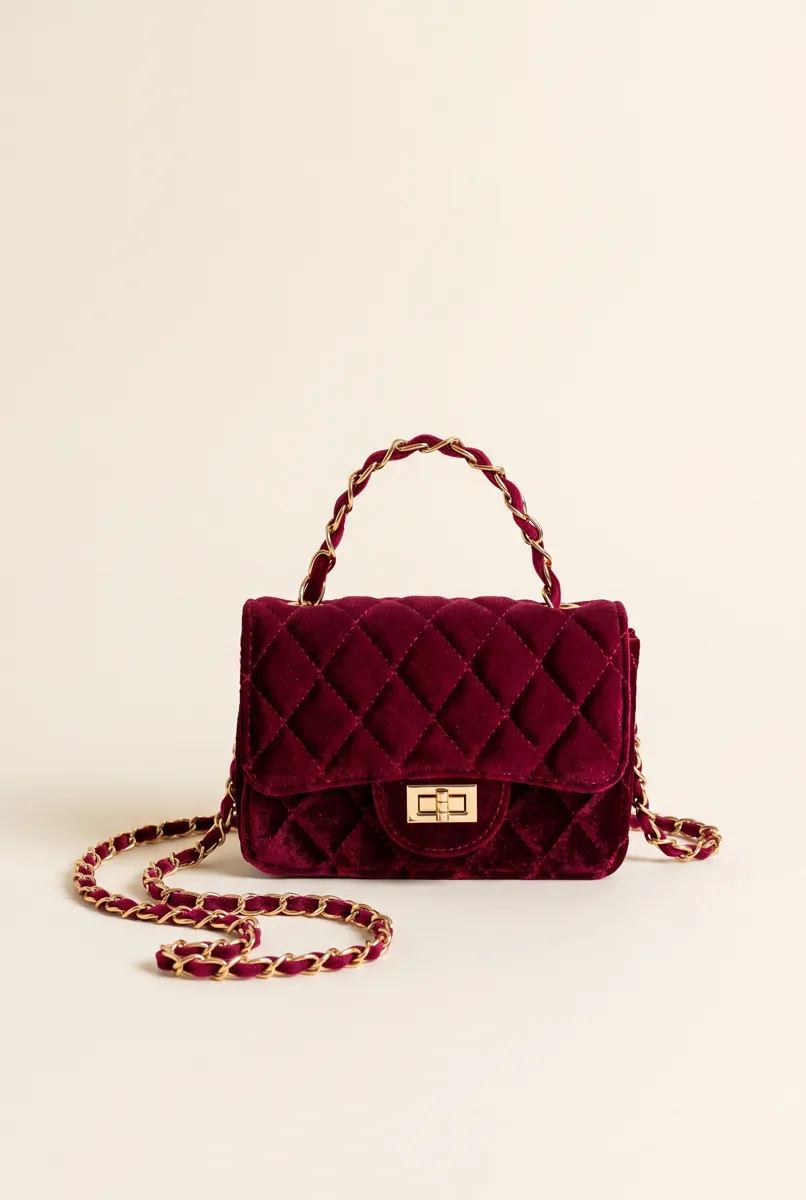
The look for the Maverick Color Block Sweater Dress: the dress with tri-tone booties, a braided belt and bow hoops, three styling notes and a button to the fall collection
The Maverick look on Bezza: the dress, tri-tone booties, a braided belt and bow hoops, placed on the page by Store Designer.
Two apps

Start with either. Most stores use both.

The Bezza home page before Store DesignerThe Bezza home page after Store Designer
Store Designer

Your storefront, redesigned on request.

  • Ask in your own words
  • Design boards and previews on your own pages
  • Shop-the-look on every product
  • Finds what's broken on phone and desktop
Install freeFree to start · $0 a month · pay only for the AI work you use
SEO & Content

Found on Google. Never short of content.

  • Studio shoots and Reels from your product photos
  • Collections and articles written to rank
  • Product copy, titles and alt text
  • Search problems found and fixed
Start freeFree to start · plans from $9/mo
Real stores

Live today, across very different shops.

Whatever you sell, the apps work from your own products, photos and pages.

  • A Bezza autumn look at a farmers market
    BezzaFashion · pages, looks, shoots
  • Curio's TARU sculpture in a sunlit living room, a scene SEO & Content made
    CurioDesign objects · room scenes
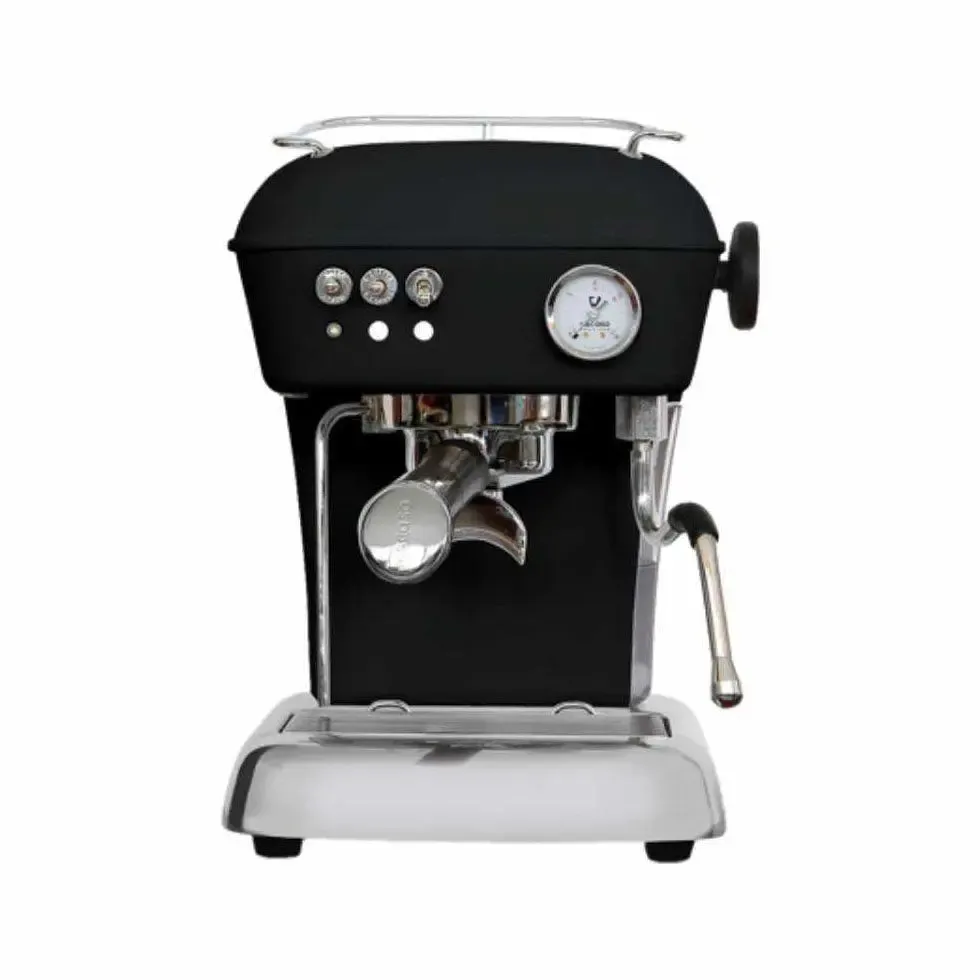
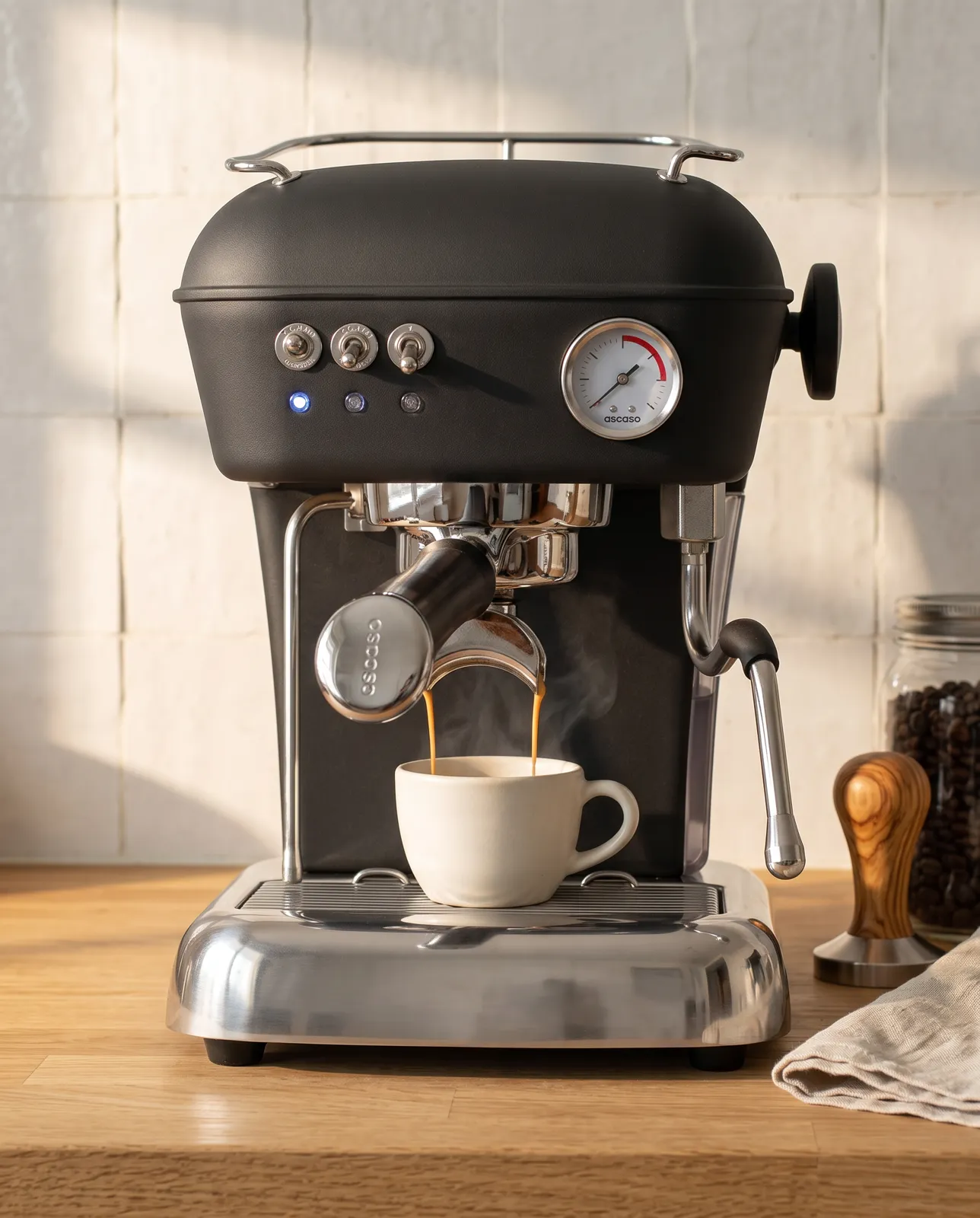
  • Barista och Espresso's Ascaso espresso machine on a kitchen counter, a scene SEO & Content made
    Barista och EspressoCoffee · product scenes
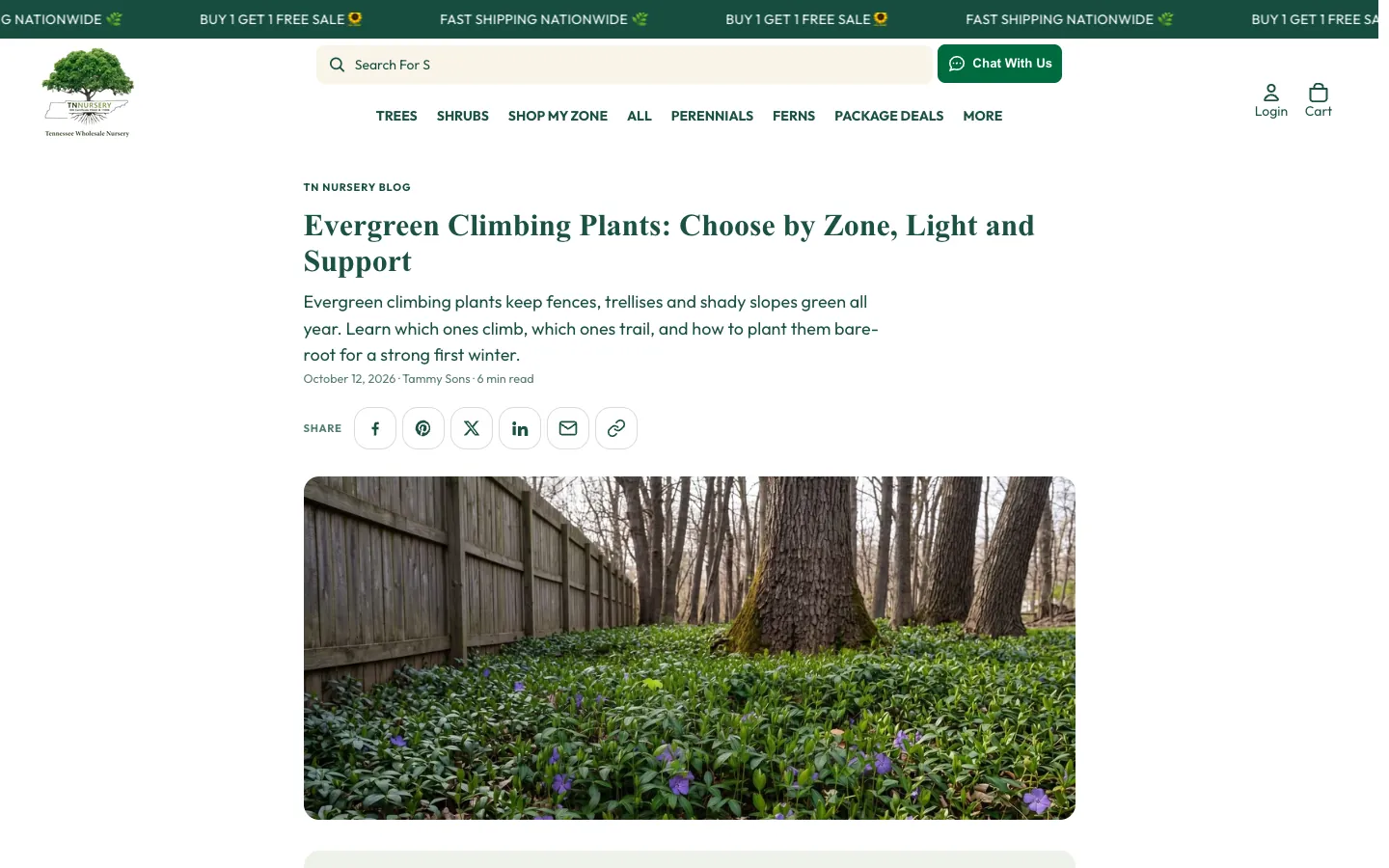
  • A TN Nursery article on climbing plants
    TN NurseryPlants · articles
Questions

Before you install.

Which app do I need?
SEO & Content if you want more people to find your store: blog posts, product copy and search fixes. Store Designer if you want your storefront to look and work better: ask for a change, see it on your own pages, then add it. Plenty of stores use both.
Can I use both?
Yes. They are separate apps on the Shopify App Store. You install each one on its own and each bills through Shopify.
What does it cost?
Both start free. SEO & Content plans run from $9 to $299 a month for a monthly credit allowance. Store Designer starts free, with no monthly fee and no seat fees: you pay only for the AI work you use. Saving to your store needs Pay as you go, which costs nothing until AI work is used. The pricing page has the details.
Will it change my store without asking?
Not unless you ask it to. SEO & Content shows each fix before it runs and lets you reverse it; autopilot publishes on its own only after you switch it on. Store Designer shows each change on your own pages first and adds designs as app blocks you place, with one-press undo.

Not sure which app fits your store?

Tell us about it. Larger stores can ask about Enterprise: a version built for your shop.

Talk to us